Making a keyboard sound app that never knows what you type
Clacky makes every click and key on a Mac sound satisfying, which means it has to listen to the keyboard. Here is how I built it so it only ever hears that a key went down or up, never which key, and why I kept the price to one small payment.
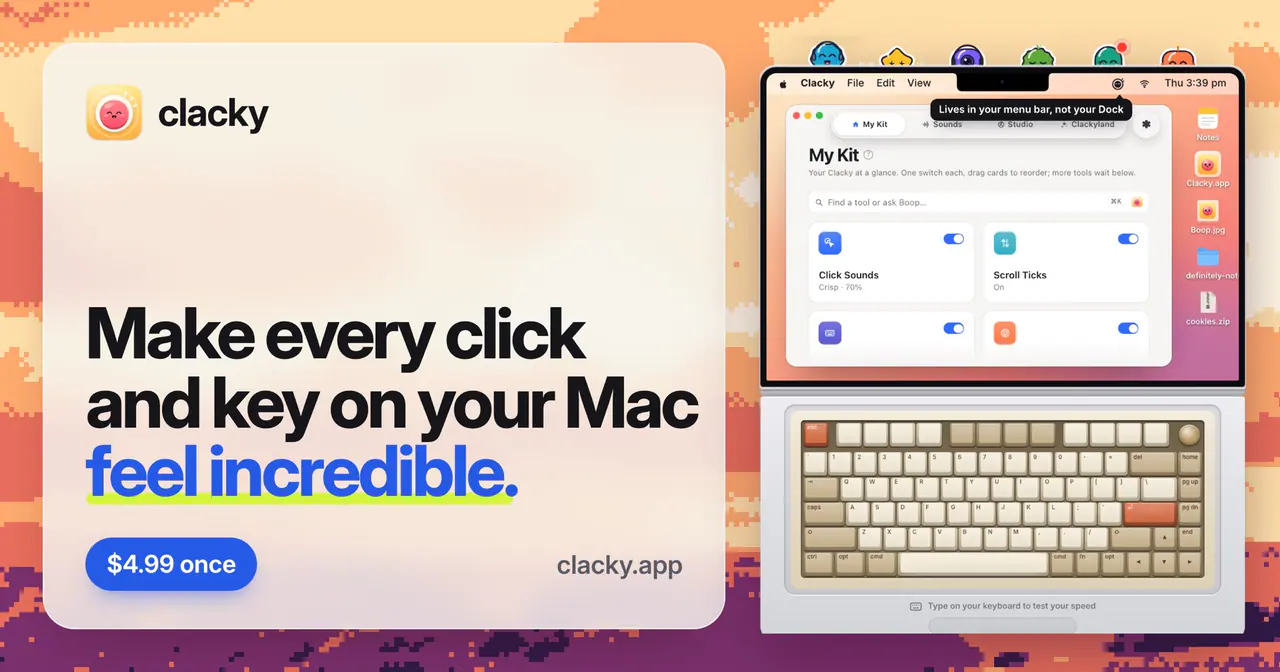
The decision or problem
Clacky is a cozy toolkit that lives in the Mac menu bar. It gives every click, key and scroll a satisfying sound and a little ripple. It also has a screen recorder, quick screenshots and cute characters called Blips.
To play a sound when you press a key, an app has to listen to the keyboard. That is exactly the permission people are most nervous about, and they are right to be. A sound app has no business knowing your passwords.
What I tried and why
- Listen for the moment, not the letter. Clacky only listens for "a key went down" and "a key came up". It never records which key you pressed, and nothing you type is stored or sent anywhere. I say this plainly on the website, right under the buy button, because it is the first question people have.
- Make it feel like a toy, not a tool. The menu bar, the sounds and the little town are built to make the Mac feel friendlier. It needed to be fun from the first click, or nobody would keep it on.
- One small price. Clacky costs $4.99 once for a Mac. No subscription, no account.
What another builder can use
If your app needs a scary permission, design it so it needs as little of that permission as possible. Then say exactly what you do and don't do in one short sentence, right where people decide to buy. Trust is part of the product.
You can try Clacky at clacky.app.