Vibe-Coded App Launch Checklist
A builder-friendly launch checklist for AI-built apps that are almost ready for real users.
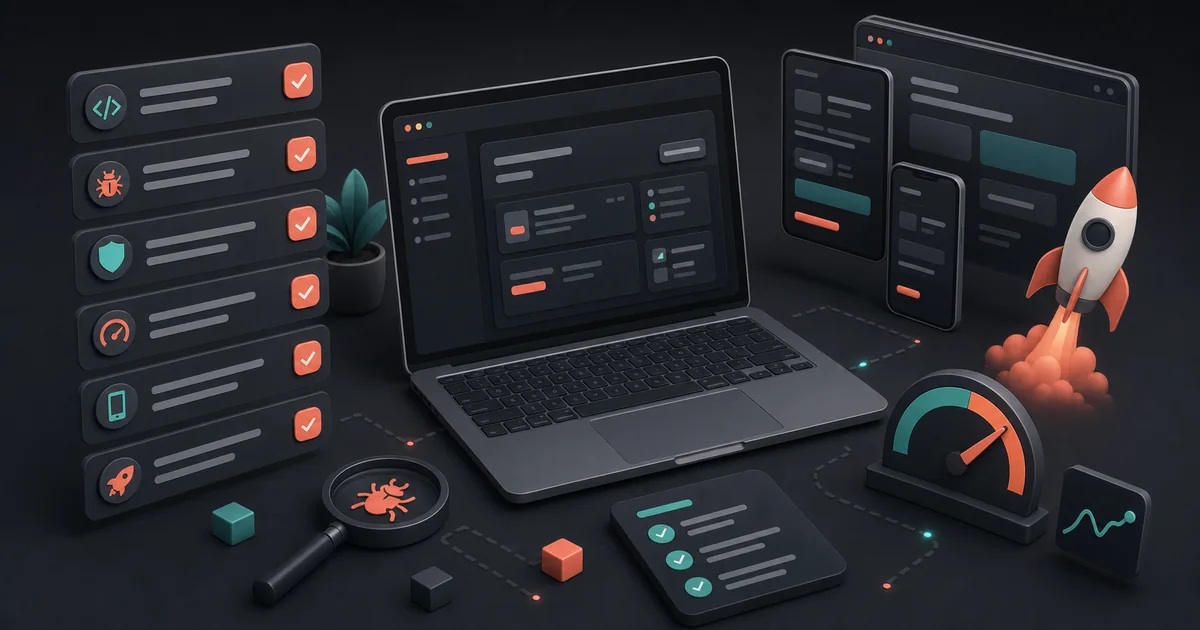
Vibe coding gets you to a working app quickly. It does not automatically get you to a launch-ready app.
That gap is where a lot of good projects lose momentum.
The app exists. The demo works. The builder knows what it is supposed to do. But the first stranger who opens it sees something else: a vague first screen, a missing empty state, a broken auth edge case, a weird mobile layout, or a console error that nobody noticed.
Use this checklist before you send the app to real users.
1. Explain the product in one screen
Your first screen has one job: help someone decide if they are in the right place.
Check:
- the page says what the app does
- the primary action is visible
- the copy is specific, not generic
- the user can tell who the app is for
- the next step is obvious
Bad first-screen copy sounds like this:
"AI-powered platform for productivity and insights."
Better:
"Paste a customer interview. Get the 5 objections that keep showing up."
Specific beats impressive.
2. Make the main path boringly obvious
Pick the core path. Do not test ten things at once.
For example:
- paste a URL
- upload a file
- create a workspace
- generate a result
- share a link
- invite a teammate
Now run that path in a clean browser.
Look for anything that makes you think, "A user will probably figure this out."
That is usually a bug wearing a product hat.
3. Test mobile even if you built on desktop
A lot of AI-built apps look fine at 1440px and fall apart on a phone.
Check:
- buttons are tappable
- inputs are not squeezed
- sticky headers do not cover content
- modals fit the screen
- tables do not become unusable
- important actions are not hidden below decorative sections
You do not need a perfect mobile app for every product. You do need the public path to avoid feeling abandoned.
4. Review auth and permissions
Auth bugs are launch killers because they block intent.
Check:
- logged-out users know why they need to sign in
- return paths preserve context
- private pages are actually private
- admin routes are not reachable
- users cannot see another user's data
- logout/login does not create weird stale state
If your app has teams, projects, dashboards, uploads, or payments, test at least two accounts. Single-account testing hides permission bugs.
5. Check the launch basics
Before you ask anyone to click, make sure the basics are there:
- HTTPS works
- title tag exists
- meta description exists
- Open Graph image works
- canonical URL is correct
- sitemap includes public pages
- robots rules are not blocking the page
- favicon works
- error pages are not blank
- contact/support path exists
These are small things. Small things compound into trust.
6. Look for AI-builder leftovers
AI tools are great at producing plausible UI. They are also great at leaving behind almost-right details.
Common leftovers:
- unused buttons
- placeholder copy
- fake testimonials
- generic feature sections
- mock data that looks real
- empty dashboard cards
- "coming soon" links in critical paths
- duplicate components with slightly different behavior
Delete what is not real. A smaller honest app beats a bigger pretend one.
7. Run an AI review before human feedback
Do not spend human feedback on issues a review can catch first.
Run a pass for:
- UX friction
- console errors, failed requests, broken links, and blocked interactions
- public security/header basics
- performance
- SEO and sharing
- fix priority
Then fix the top items and rerun.
The goal is not to get a perfect score. The goal is to avoid wasting your first users on obvious problems.
Current AI Review is a browser-based launch pass, not a complete QA engineer. Still manually test deep auth, two-account permissions, payments, uploads, and anything that depends on private data or business rules.
8. Ask humans better questions
Once the app is stable enough, ask for human feedback.
Do not ask:
"What do you think?"
Ask:
- What did you think this app did before using it?
- Where did you hesitate?
- What made you trust or distrust it?
- What would stop you from using this again?
- What should be fixed before I send this to more people?
That kind of feedback is much easier to act on.
The practical launch sequence
Use this order:
- clean up the first screen
- test the main flow
- check mobile
- verify auth and permissions
- fix SEO and sharing basics
- remove AI-builder leftovers
- run AI Review
- fix the top issues
- submit the app
- launch a Feedback Mission
Once your app is ready for wider discovery, a launch platform like SaaS City can put it in front of founders browsing new SaaS and AI tools, while an AI tools directory provides a more focused discovery channel.
For another discovery channel, submit your product to Nick Launches, a launch directory for developers and indie makers.
You can also submit to ListBulb, a hand-reviewed AI and SaaS directory that gives accepted products a permanent page and dofollow backlink.
If you're looking to boost your Domain Rating (DR), explore the options available on Growthbounties.
Vibe coding helps you get to "something exists."
Launch readiness is how you get to "people can use this without you standing next to them."