Reaction time test
Measure your response to a visual cue with keyboard, mouse or touch. Reject early presses, review up to five trials and download your results locally.
Wait for the cue. See your own pace.
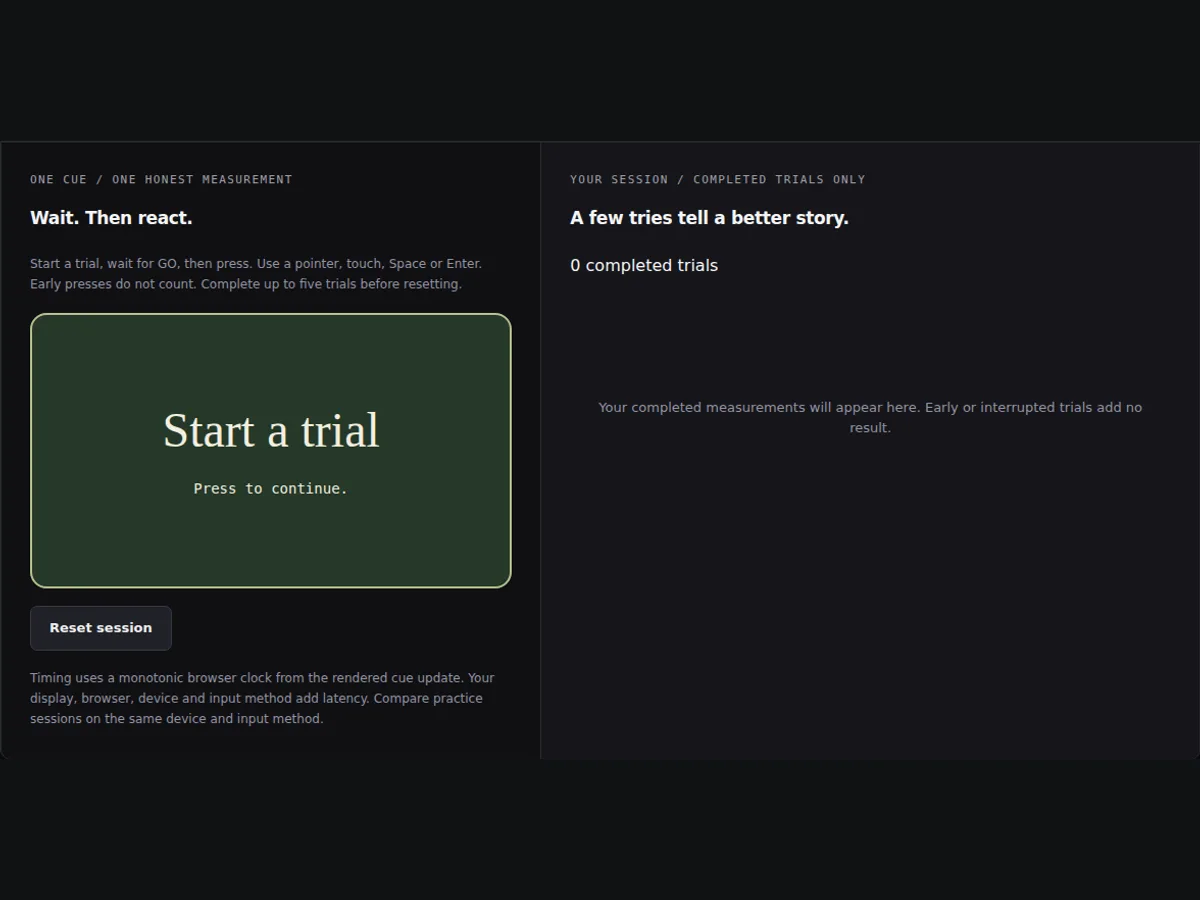
Try a short visual-response exercise and compare your own completed trials. Wait for GO before pressing, then review the mean, median and fastest response. Timing stays in your browser and interrupted trials do not become results.
Free to use. No signup. Output: Five trials + averages + CSV.
How to use Reaction time test
- Press the test pad, Space or Enter to begin a trial. Wait for the visual GO cue.
- Respond once the cue appears. Early presses and trials interrupted by a hidden tab or blurred window are excluded.
- Review up to five measurements, copy or download the CSV, and reset to start another session.
Worked example: Complete a short practice session
Measurements vary by display, browser, input method and device. This is a practice exercise, with no population benchmark or health score.
- Example input
Start a trial, wait for GO and press. Repeat for up to five completed trials.
- Expected output
Your measured response times, mean, median and fastest trial, with a reaction-times.csv download.
Questions, answered
How is reaction time measured?
A monotonic browser clock measures the time between the scheduled animation-frame cue update and your response. The visual cue has a randomized wait of 1.5–4 seconds. Rendering, display refresh and input latency affect the result; compare sessions on the same device and input method.
What happens if I switch tabs or press early?
The current trial is paused when the tab becomes hidden or the window loses focus. An early press is marked Too soon. Neither adds a measurement; start a fresh trial when ready.
Are my measurements saved or ranked?
Measurements stay in this tab for the current session. Complete up to five trials, then copy or download them before resetting or leaving. The tool does not create a leaderboard or compare you with other people.
Keep building
Ready for feedback on your project?
Share what you are building with the VibeCodingList community.
Submit your project Explore projects